Easy-to-follow guides without needless jargon.
Learn to choose and assemble every component with simple explanations, checked on real test benches. No empty jargon and no sponsored picks.


From Unboxing to a Successful First Boot
Follow the exact order we use in the workshop. Check off each step as you finish it and use the animated illustrations to learn visually.
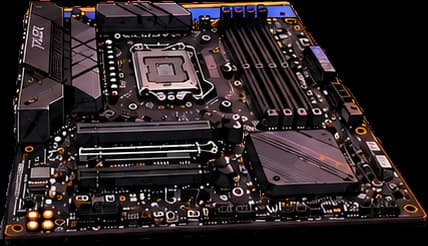
Preparing the workspace and the motherboard
Never build directly inside a cramped case. 80% of the parts are installed comfortably on the workbench, on top of the motherboard's own cardboard box.
Detailed Assembly Instructions
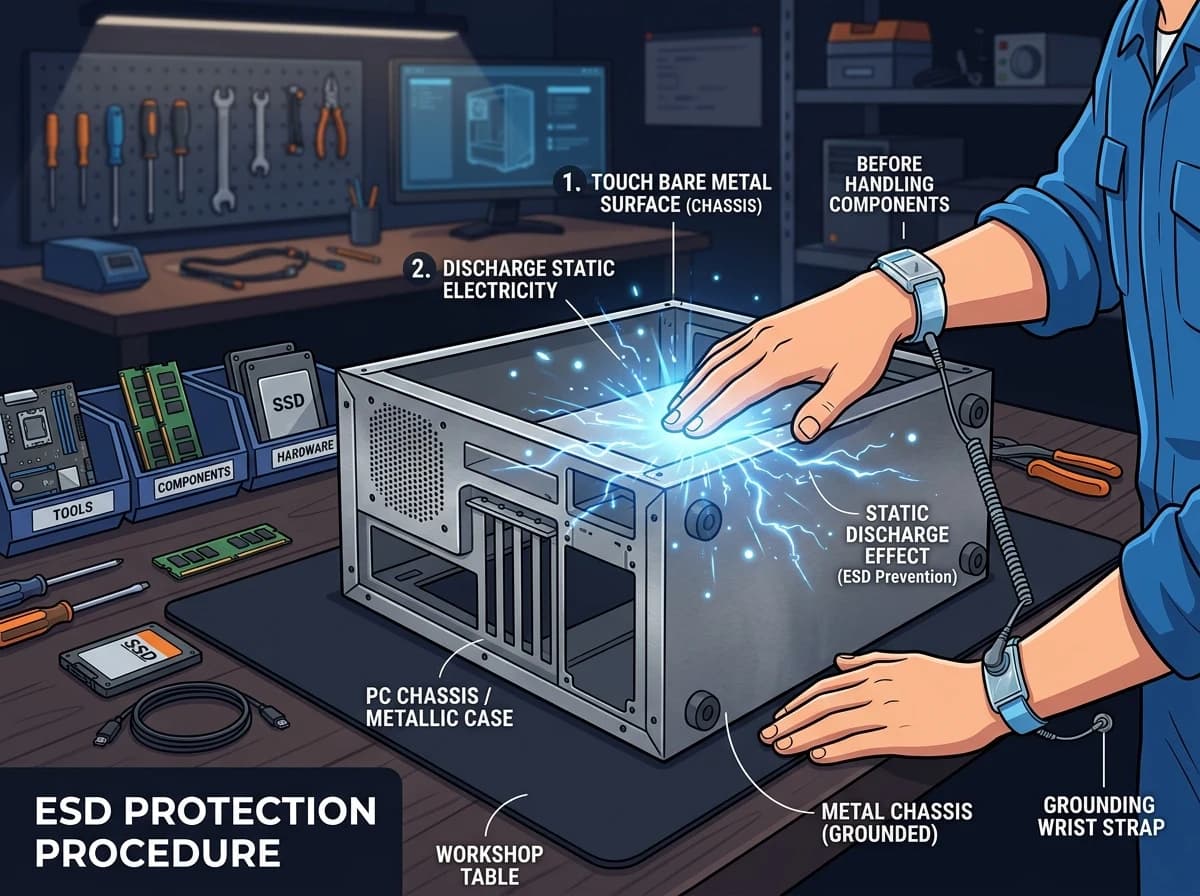
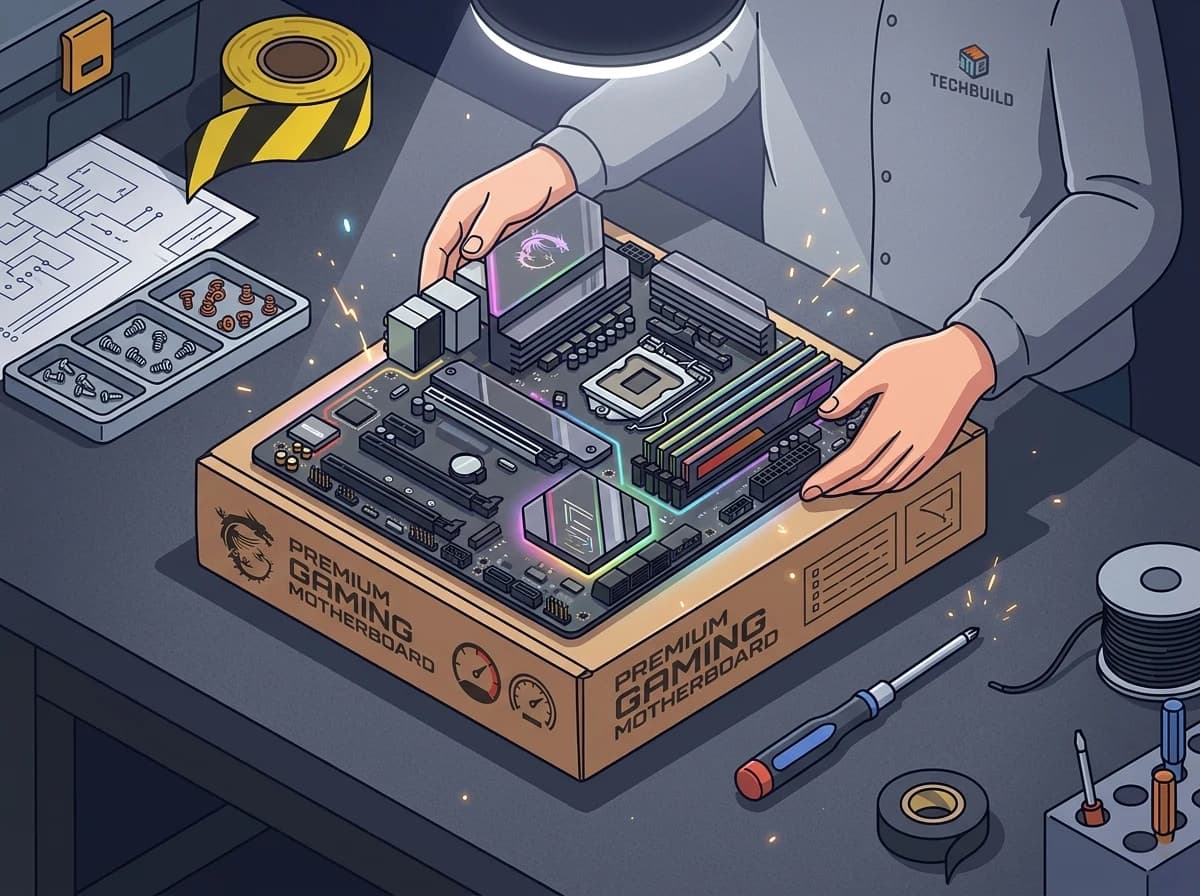
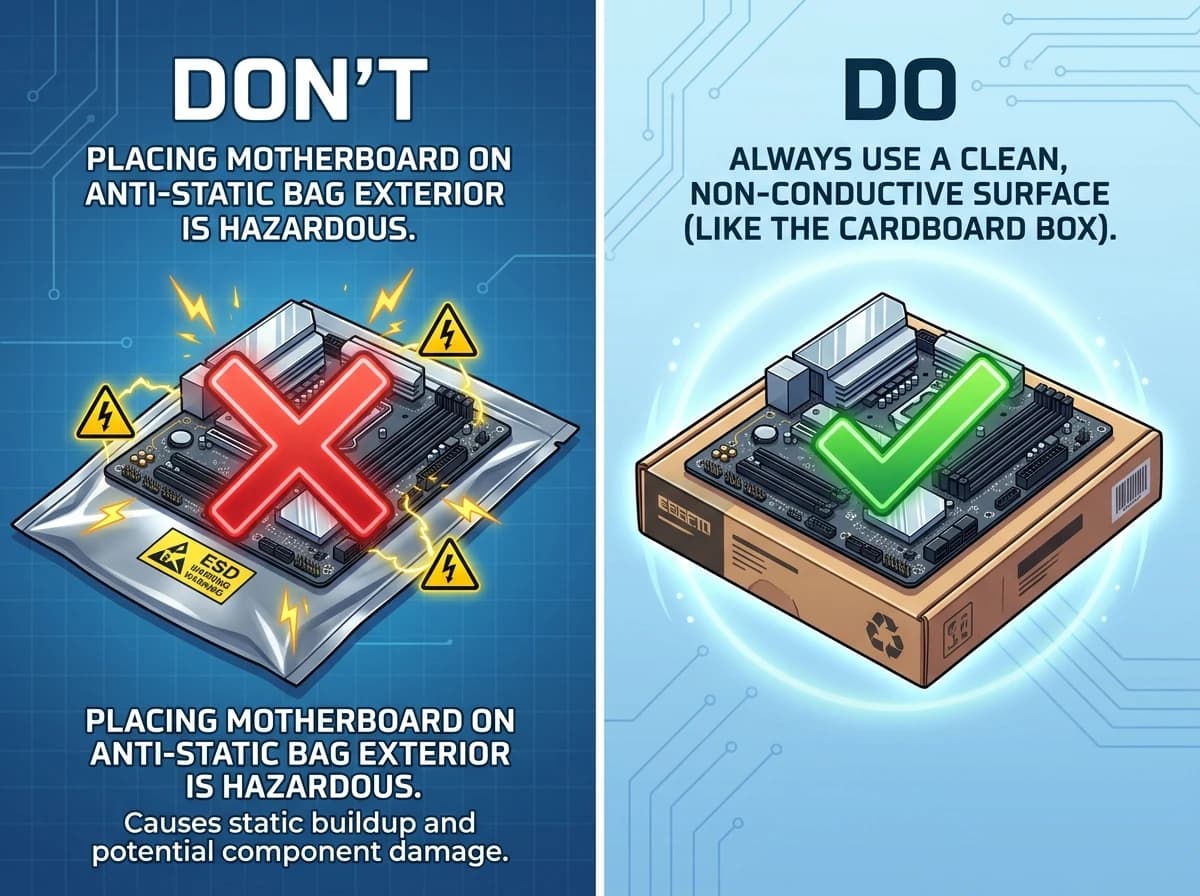
Keep all screws and boxes; the serial numbers on the boxes are essential for warranty claims with the manufacturers.
Compatibility rules, glossary and mistake prevention
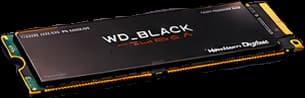
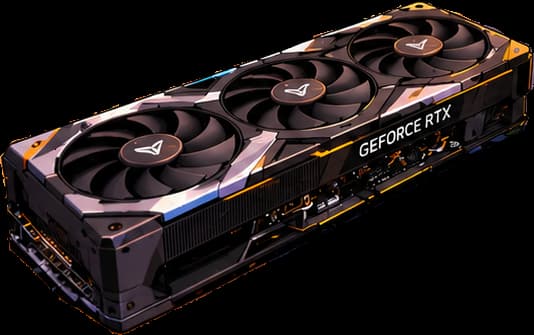
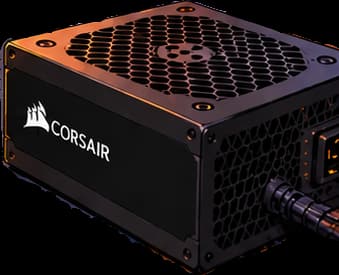
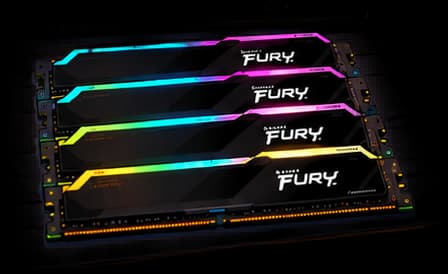
General guides kept here for quick reference. Tips for each individual component (CPU, GPU, RAM, SSD, power supply and case) are also built right into each part of the interactive workshop table.
Beginner's Glossary
What each part of a PC is, explained in plain words: CPU, GPU, RAM, motherboard and the rest, without jargon.
Common Mistakes When Building Your First PC
The most frequent slip-ups on a first build — a cheap PSU, a bad budget, forgetting about cooling — and how to avoid all of them.
Coolants for Fishbowl PCs
Which coolant to use in a custom loop for a fishbowl PC: clear, tinted, pastel or shimmer. Which one gets dirty least, what to never use and how often to change it.
Want to check whether your parts fit together?
The configurator checks wattage and sockets automatically.